Category: Mechanical Design
-
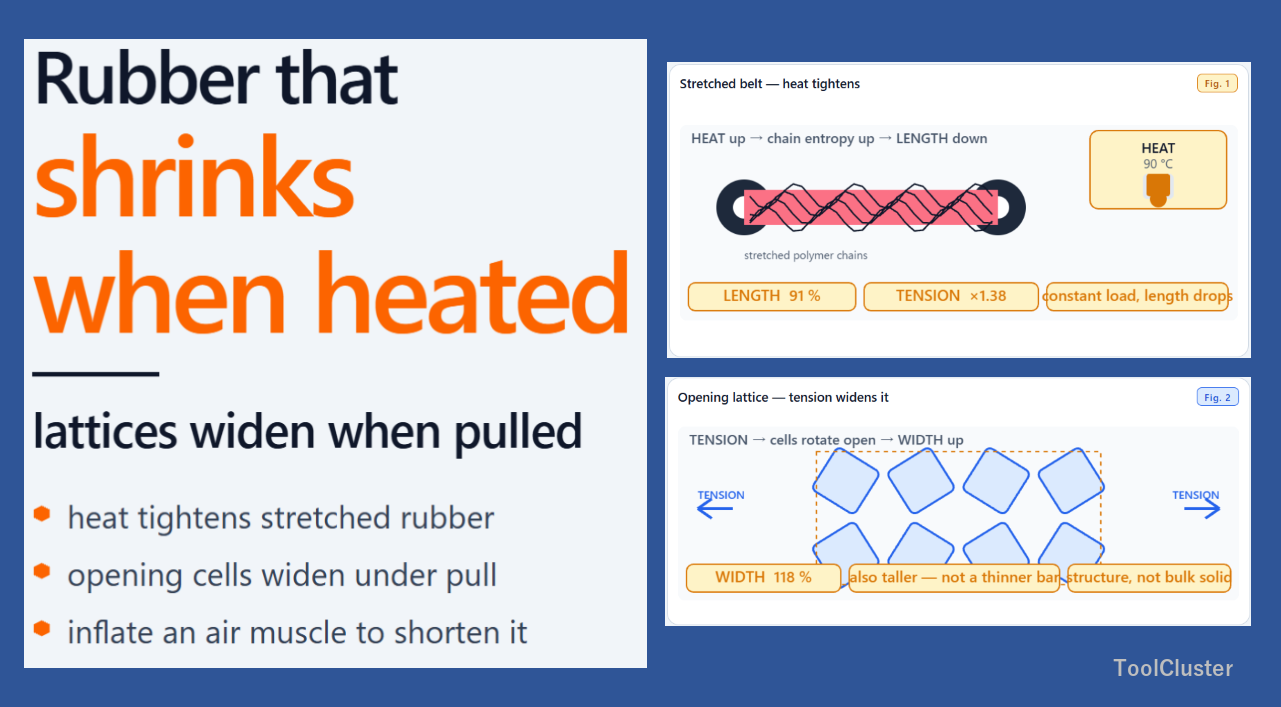
Rubber That Shrinks When Heated, Lattices That Widen When Pulled | Counterintuitive Machines and Structures
A stretched belt shrinks and tightens when heated, and an opening lattice widens when pulled. An air muscle shortens as it inflates, and a preloaded bolt sheds fluctuating load into the joint faces. Four shop parts where heat, geometry, and preload reverse everyday intuition, shown with short live diagrams.
-
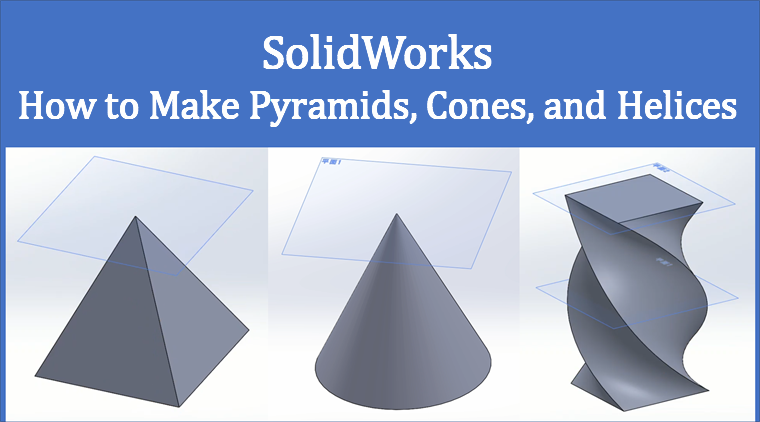
How to Make Pyramids, Cones, and Helices in SolidWorks, Explained with Screenshots
Sketch a base, offset a plane with Reference Geometry, and place a vertex — Loft then makes a pyramid or a cone. Three planes and a rotating click order on the corners make a twisted column. Screenshots are SOLIDWORKS Premium 2017, with English labels on the steps.
-
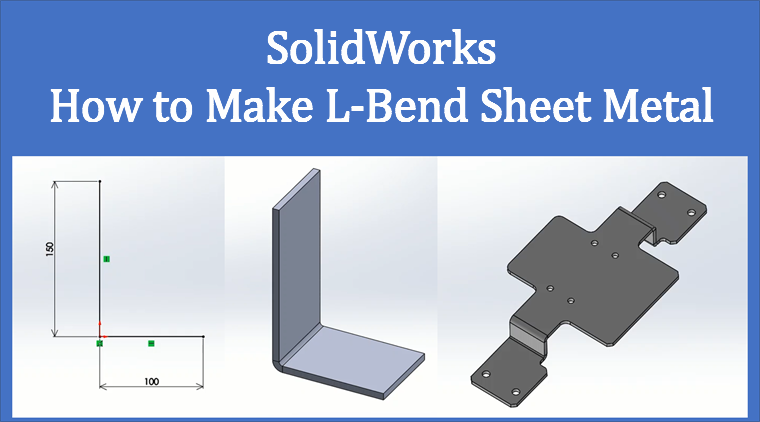
How to Make L-Bend Sheet Metal in SolidWorks, Explained with Screenshots
Sketch an L-shaped profile, then set thickness, extrude depth, and bend radius in Base Flange — that is the simplest bent sheet-metal part in SolidWorks. The walkthrough also shows how to reveal the Sheet Metal tab and how to pick up a sketch you already exited, with numbered screens for…